Currently, the BMW Connectedride Navigator does not display explicit waypoint names on the map.
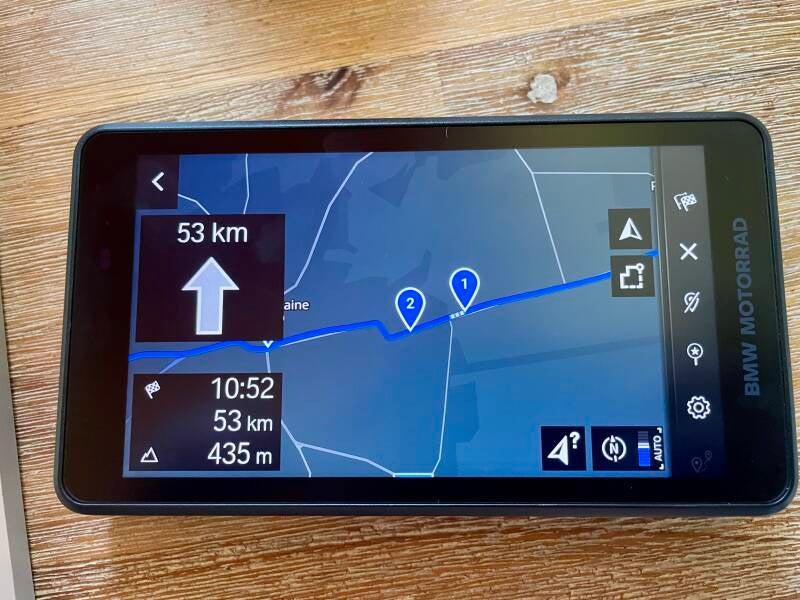
After contacting BMW support, here is their response:
“Regarding the points you raised, we understand that they are relevant in practice. Both the behavior of imported shapepoints and the representation of points of interest such as gas stations, restaurants, or photo spots on the map are frequently discussed by users and submitted as suggestions for improvement.
However, we currently have no information on whether or not changes or expansions are planned for these features. The decision regarding the implementation of new features is made as part of ongoing product development.
We are happy to receive your feedback and forward it to the relevant departments.
Sincerely,”
However, there is a simple method that, if waypoints are not (yet) displayed directly on the map, allows you to find them while driving.
Here is my method for overcoming this limitation.
When following a route with the CRN, select ACTIVE GUIDANCE by clicking (with the scroll wheel or your finger) on the small flag in the top right corner.
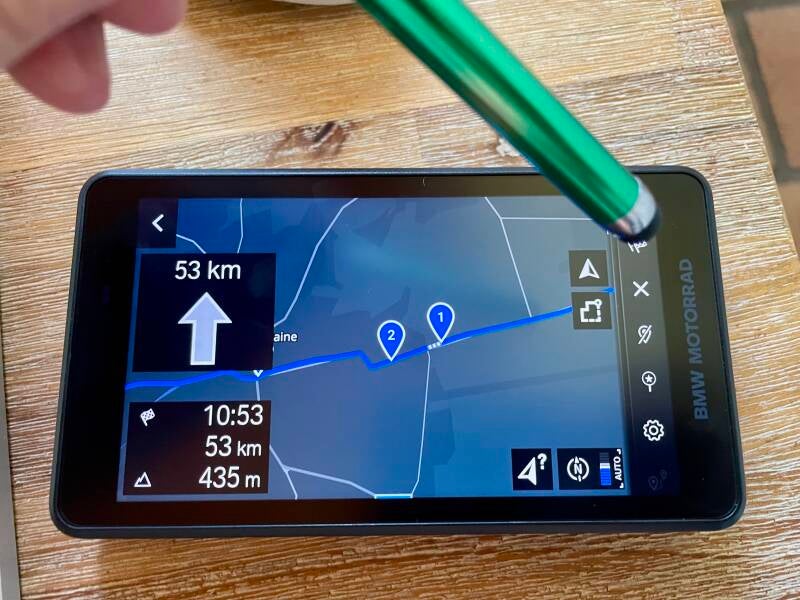
The ACTIVE GUIDANCE indicator appears

Then select DESTINATION INFORMATION

Then the list of waypoints with the recorded directions appears.

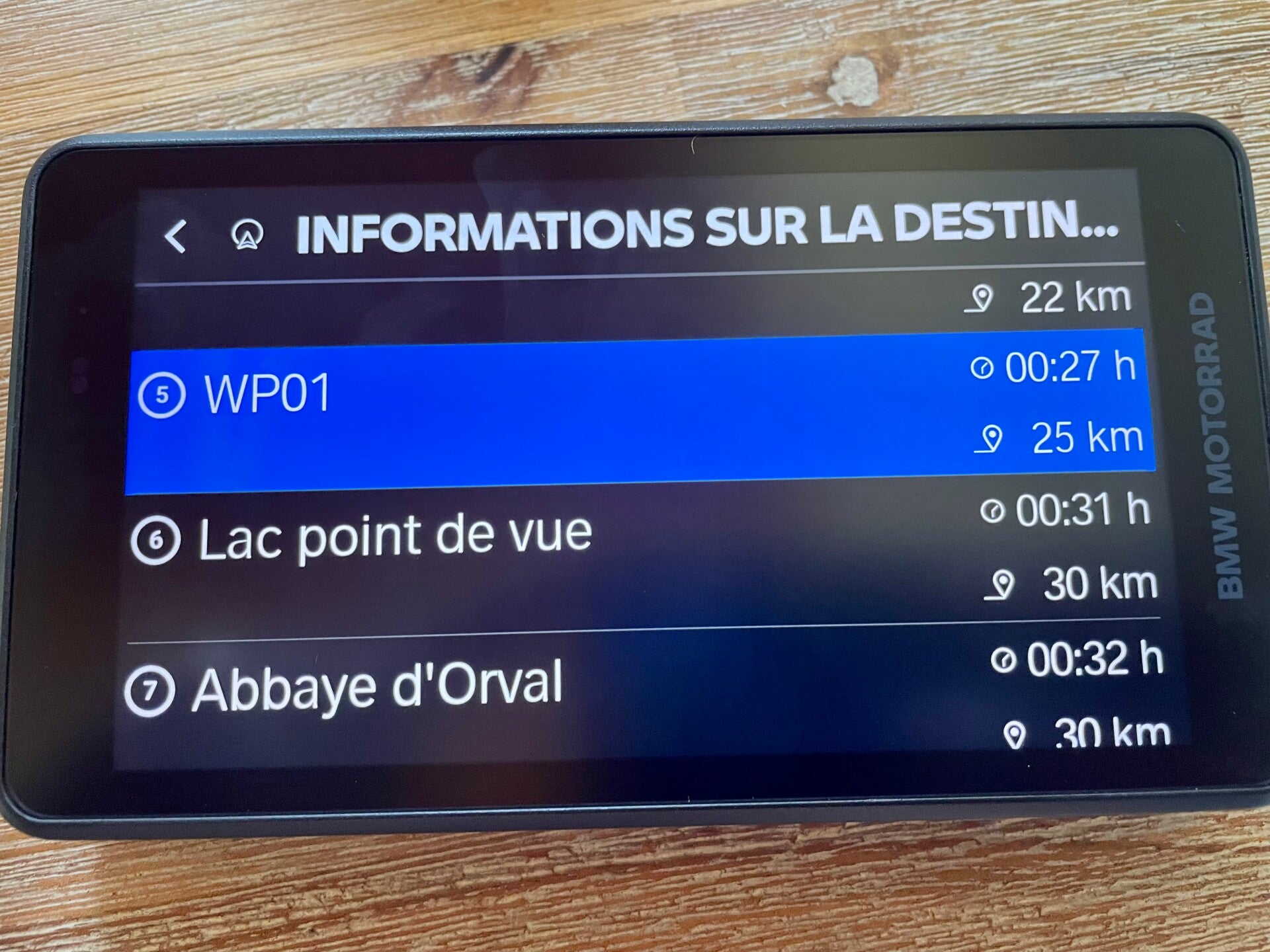
It's not yet displayed directly on the map, but it allows you to identify the different waypoints without relying on numbers.
Of course, you need to have planned your route, specifying the names of the waypoints.
Ride safe
Ajouter un commentaire
Commentaires